
Sooner or later every client asks me the same question: can I edit it myself? It sounds like a small question. The honest answer shapes the whole build, because there are two very different ways to say yes.
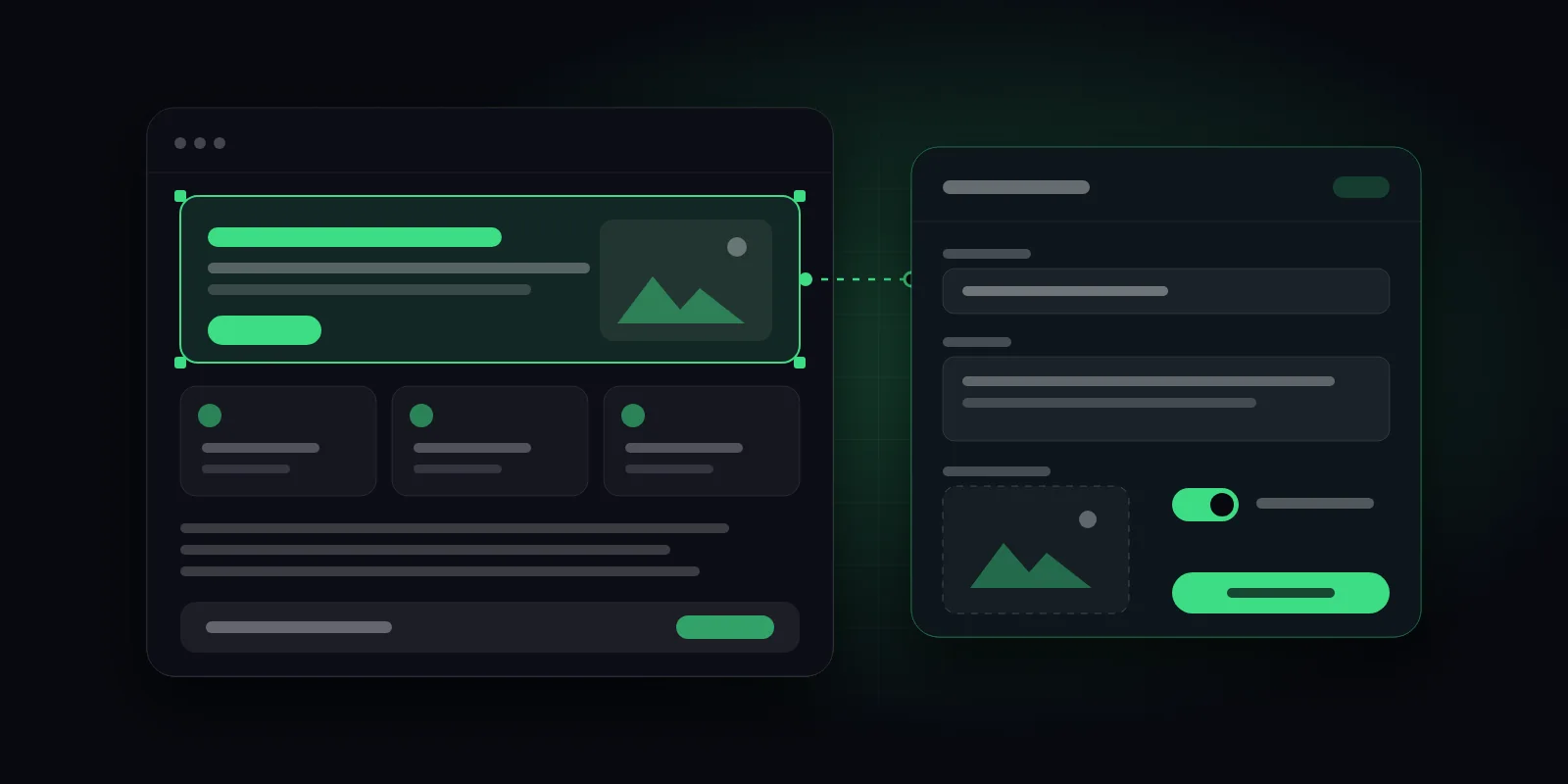
The first way is a page builder. You get a visual canvas, a library of widgets, and the freedom to drag almost anything almost anywhere. The second way is a set of custom blocks, built for your design, with a simple form for the parts you are meant to change. I build the second kind, using Advanced Custom Fields, and this post explains why, and when I would not.
What a page builder gives you, and what it costs
A page builder is a very good tool for a particular job. Nobody has to wait for a developer, and a confident marketer can put a new landing page together in an afternoon. That freedom is the whole point, and it is real.
The costs show up later, and they tend to arrive quietly.
- Weight. A builder has to be ready for every layout anyone might ever make, so it often ships styles and scripts for features a given page never uses.
- Drift. When anyone can adjust spacing, fonts and colours on any page, pages slowly stop looking like they belong to the same site.
- Lock-in. Your content is frequently stored in the builder's own format. If you move away from it later, the layout does not come with you, and much of the work is done twice.
None of these is a disaster on day one. All of them are easier to prevent than to fix.
What an ACF block actually is
Strip away the jargon and a block is simply one section of your design: a hero, a row of testimonials, a pricing table, a call to action. I build each one once, properly, to match the design.
Then I give it a small set of fields. A headline, a paragraph, an image, a button label and a link. When your editor adds the block to a page, they see a plain form and fill it in. They cannot accidentally stretch the heading to a size that breaks the layout, because that is not an option on the form.
The output is clean markup with only the styles that block needs. Because layout and content are kept apart, you can change the words every day without ever touching the design.
Why this suits most business websites
Most business sites do not change their design every week. They change their content: a new service, a new case study, an updated price. For that kind of site, structure beats freedom.
- Consistency. Every page is assembled from the same approved parts.
- Speed. Only the code a page actually uses is loaded.
- Accessibility. Headings, buttons and landmarks are built correctly once, instead of being left to chance on every page.
- Confidence. Nobody has to worry about breaking something by changing a sentence.
The honest downsides
Blocks are not free. Someone has to build them, so the up-front cost is higher than installing a builder and starting to drag things around. And if you want a layout that does not exist yet, you need a developer to add it. For a team that wants to design new pages every week, that would be frustrating, and I would tell them so.
When I would pick a page builder anyway
A marketing team that designs campaign pages constantly. A small budget with a short timeline. A prototype that may be thrown away in six months. In all of those, a builder is a reasonable choice, and I would rather say so than pretend blocks fix everything.
For blocks with heavy interactivity, such as filters or calculators, I would also look at native WordPress blocks rather than ACF, because that is the tool built for that job.
A question to ask before you hire
Whoever builds your site, ask them one thing: how will I add a new page in a year, without you? A good answer describes a clear, limited set of parts you can assemble. A vague answer usually means you will be calling them back, or finding out the hard way what the site cannot do.
If you are weighing this up for your own site, send me the address and tell me how often you expect to change it. I will tell you which approach I would choose, even if it means recommending something I would not build myself.